Excel Export Including columns for Ungraded, and PSA 1-10, or 5-10

I really like the feature showing a card's pricing by grade. I have thousands of cards in my database and run reports periodically in excel. If there were columns added that included all grades including raw would be fantastic. Realizing that customers have collections with mixed grading companies, PSA is the standard. Most customers that use the service most likely use predominantly PSA. This tool would help evaluate current status of cards and assist in sales accuracy as well as determine grading risk by quickly filtering the difference in value between PSA9 and PSA10 (thats the biggest advantage). Praises! I am currently a paying subscriber and believe this is the best service for database and inventory management. Excel exporting is a key feature for me.


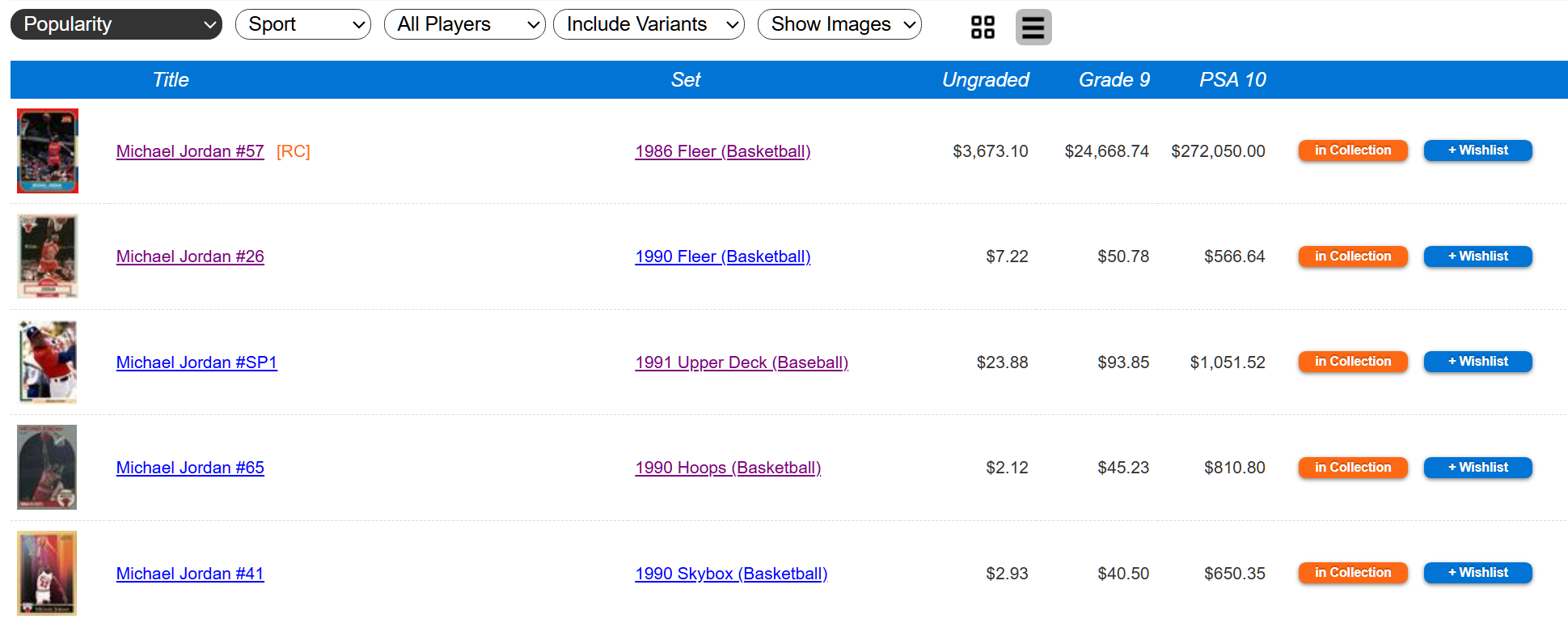
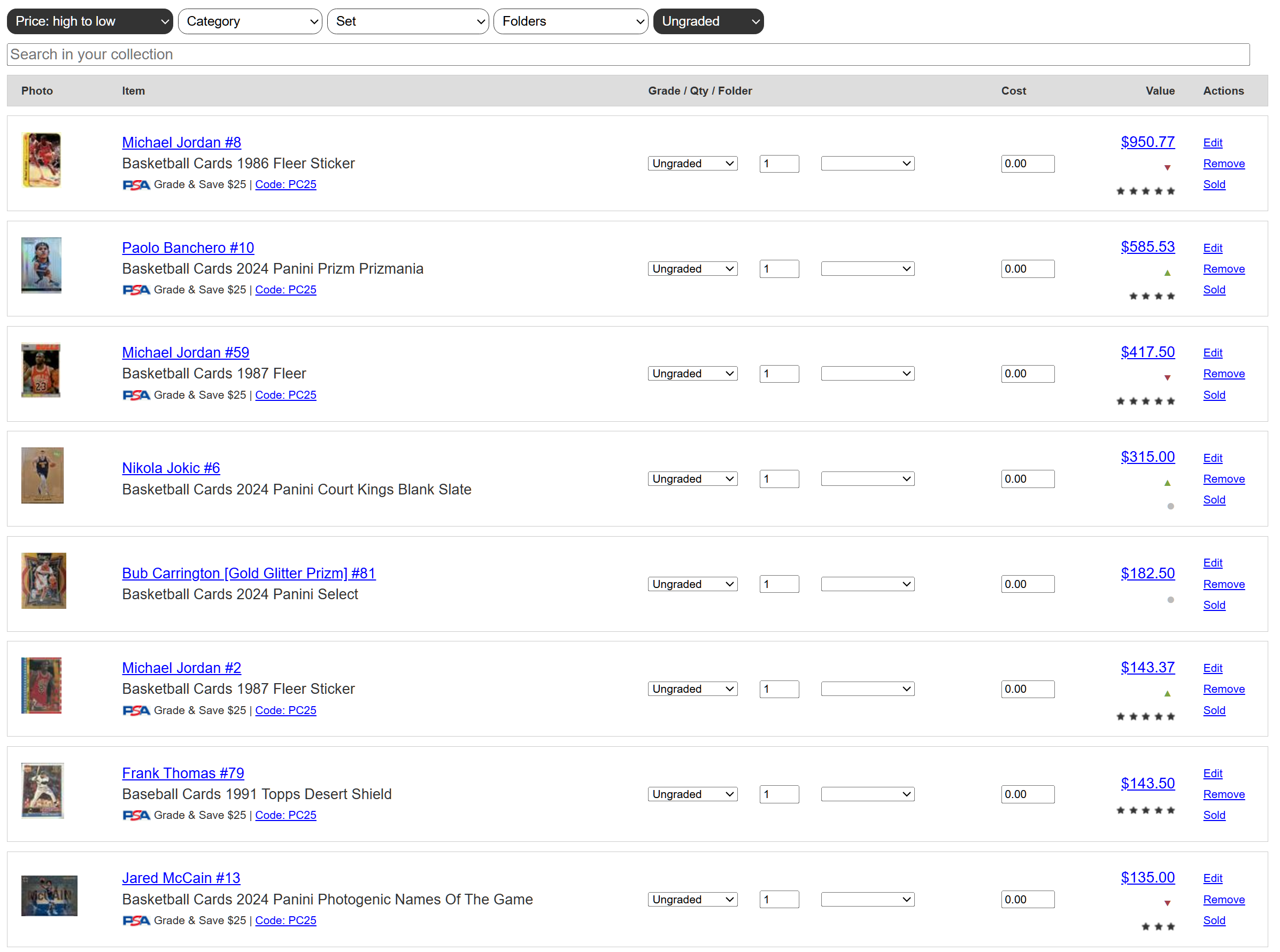
Thank you. We don't currently support "other price points" in the export feature. You can export your collection and see the current value and current grade for that collection item, but you cannot export your collection and see all the possible grades for that item.
https://www.sportscardspro.com/export-collection
You can generate CSV files by set that contain all of those price points, but it is not limited to your collection.
Please let me know if that export feature is what you are looking for.