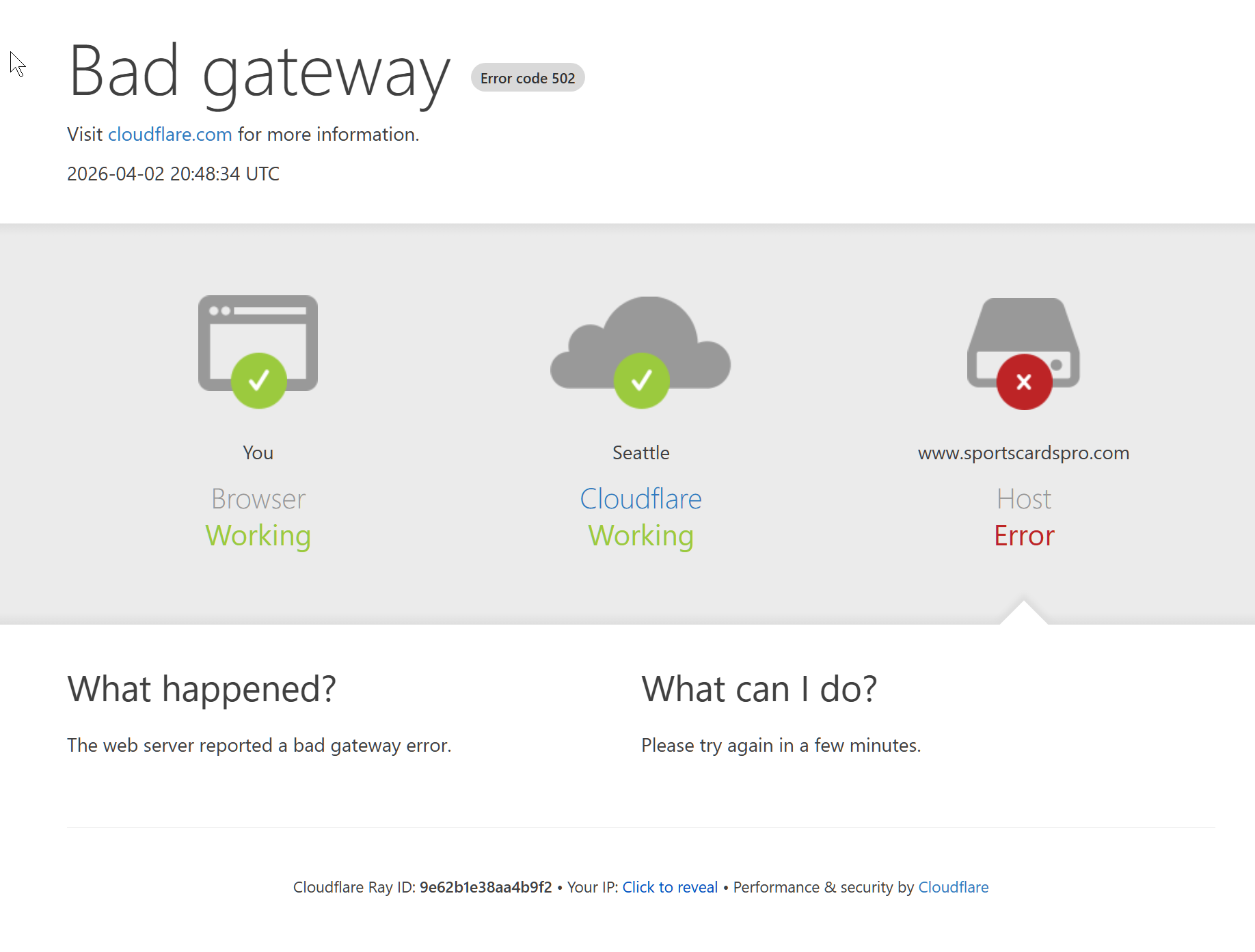
Deleting production run number results in Cloudflare error

Avatar
  • updated

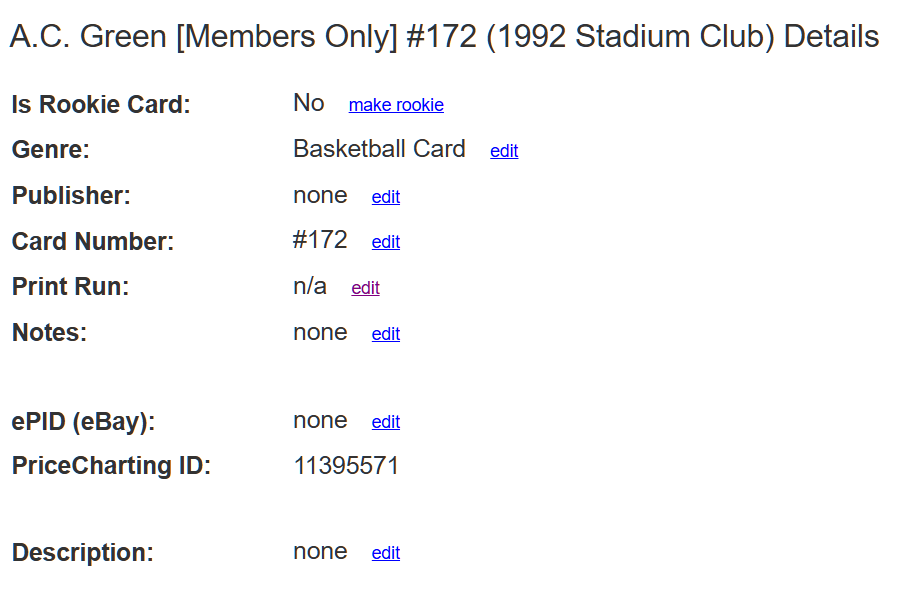
When I try to remove an incorrect production run number from the 1992-93 Stadium Club basketball Member's Only set, there is a Cloudflare error when I try to save the update. However, when I set the production run to "0", it will save the count as "n/a". 

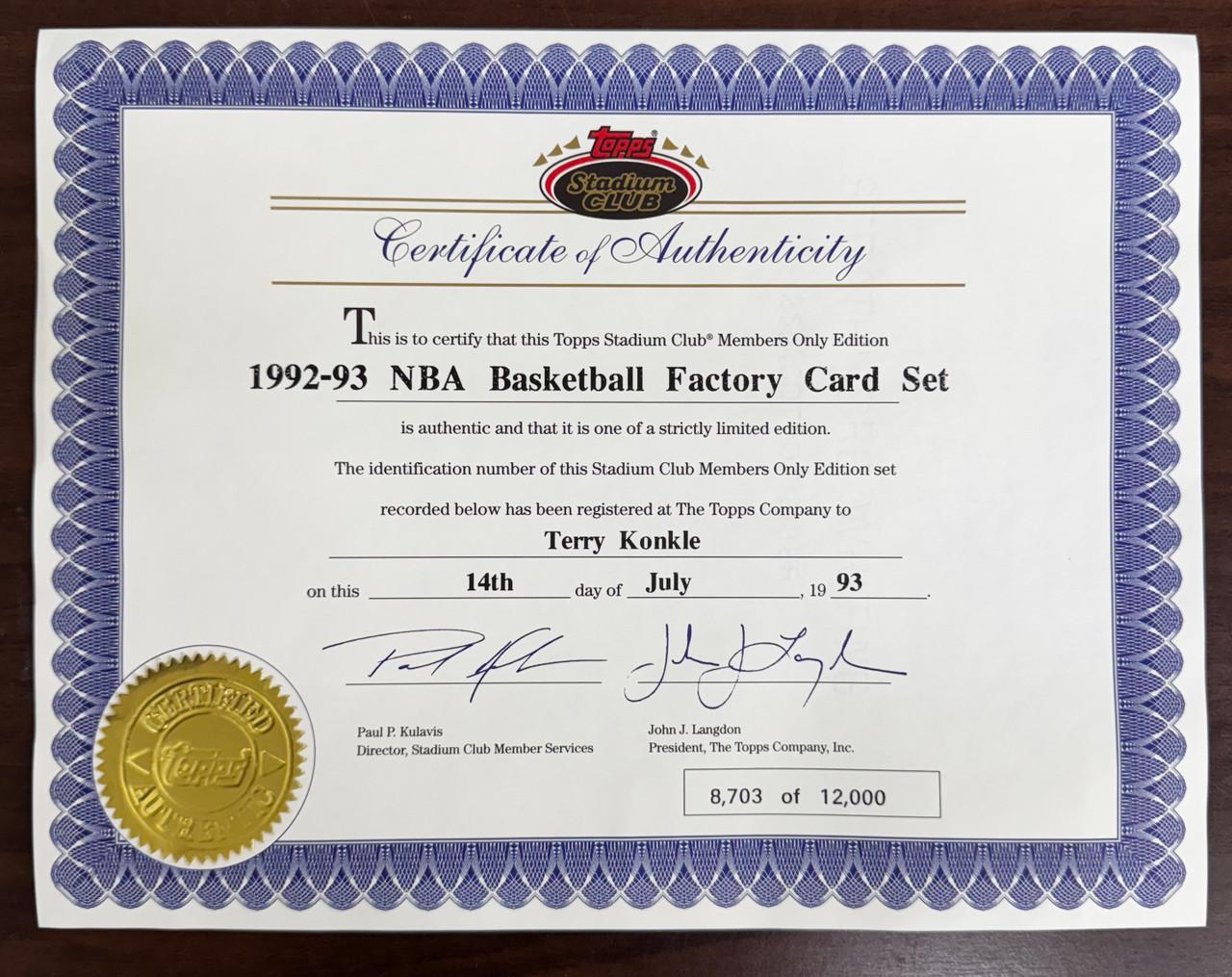
The set is limited to 12,000 per the owner certificate. And the cards aren't serially numbered, so I'm not sure if keeping the production run is relevant anyway. 

https://www.sportscardspro.com/console/basketball-cards-1992-stadium-club
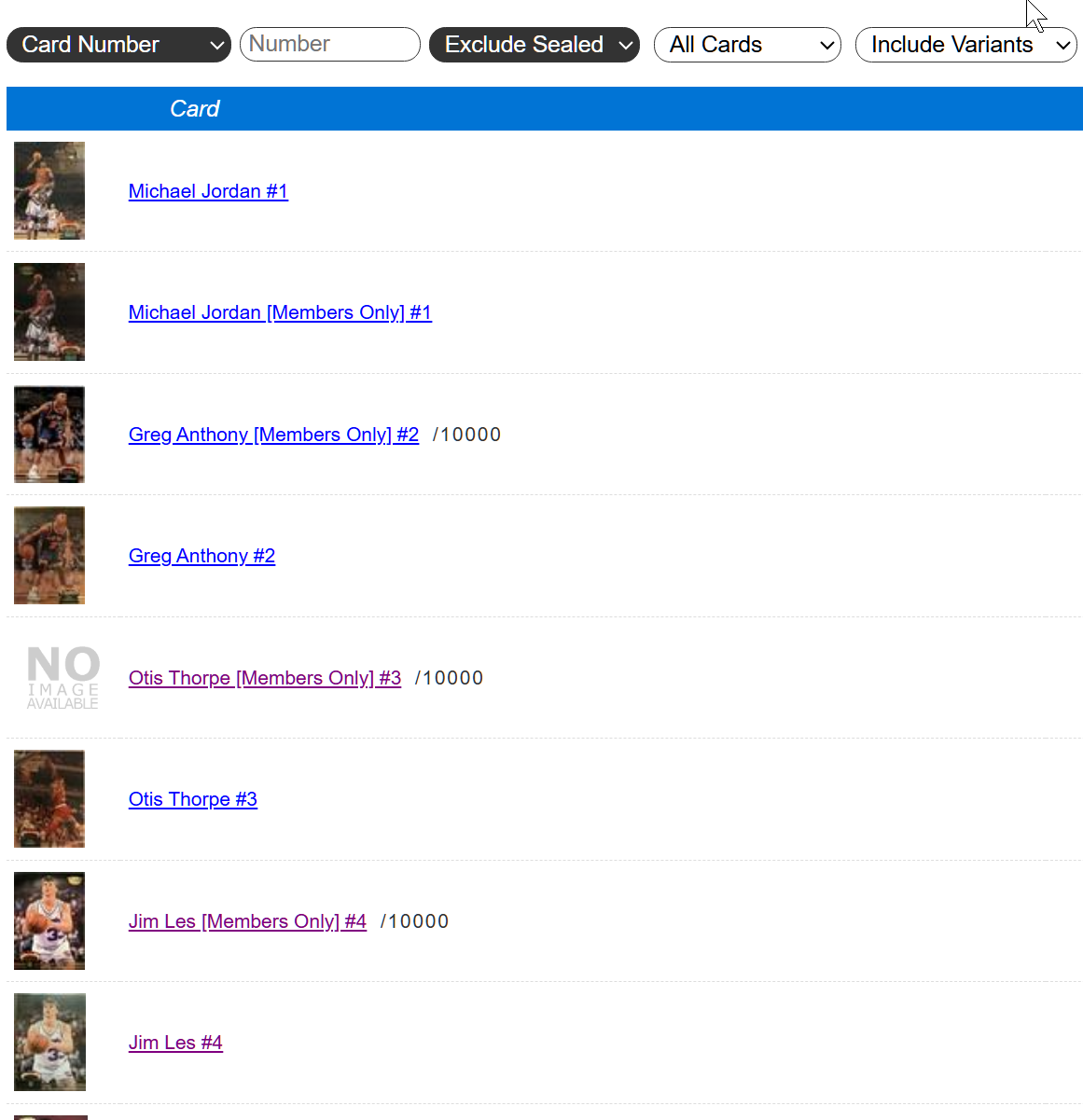
Image 186

Image 184

Image 183

Image 185

Avatar
mister_insert

For some reason I get logged out of the support site. I think this is my second or third "anonymous" post. It's an accident, I apologize. 

Avatar
jj

If there is no production number, then we show NA for that value (not applicable) instead of showing 0.  0 isn't the correct print run, but the print run isn't applicable to that card.

You cannot submit a blank.  So please submit 0 if the print run needs to be removed.

Avatar
mister_insert

Thank you. 

This is what I ended up doing. All of the "member's only" variants are listed as a "print run" of "10000", which is incorrect. My initial goal was to just the print run number because 1) it's actually 12,000 and 2) the cards aren't serial numbered individually. So "0" resulted in "n/a", just like you mentioned. 

Question: Is the "print run" field supposed to represent how many were printed (if officially published) or is it for cards with actual serial numbers? For example a card is numbered 72/100, the print run would be "/100"? 

Avatar
jj

It looks like these are print run to 10,000.  At least according to TCDB.

https://www.tcdb.com/Checklist.cfm/sid/25550/1992-93-Stadium-Club---Members-Only


We want the number to be the known quantity to exist.  Usually that is printed on the card, but there are other times when the known print run is available but not printed on the card itself.


Reply to